
Try Qwirbel in demo mode
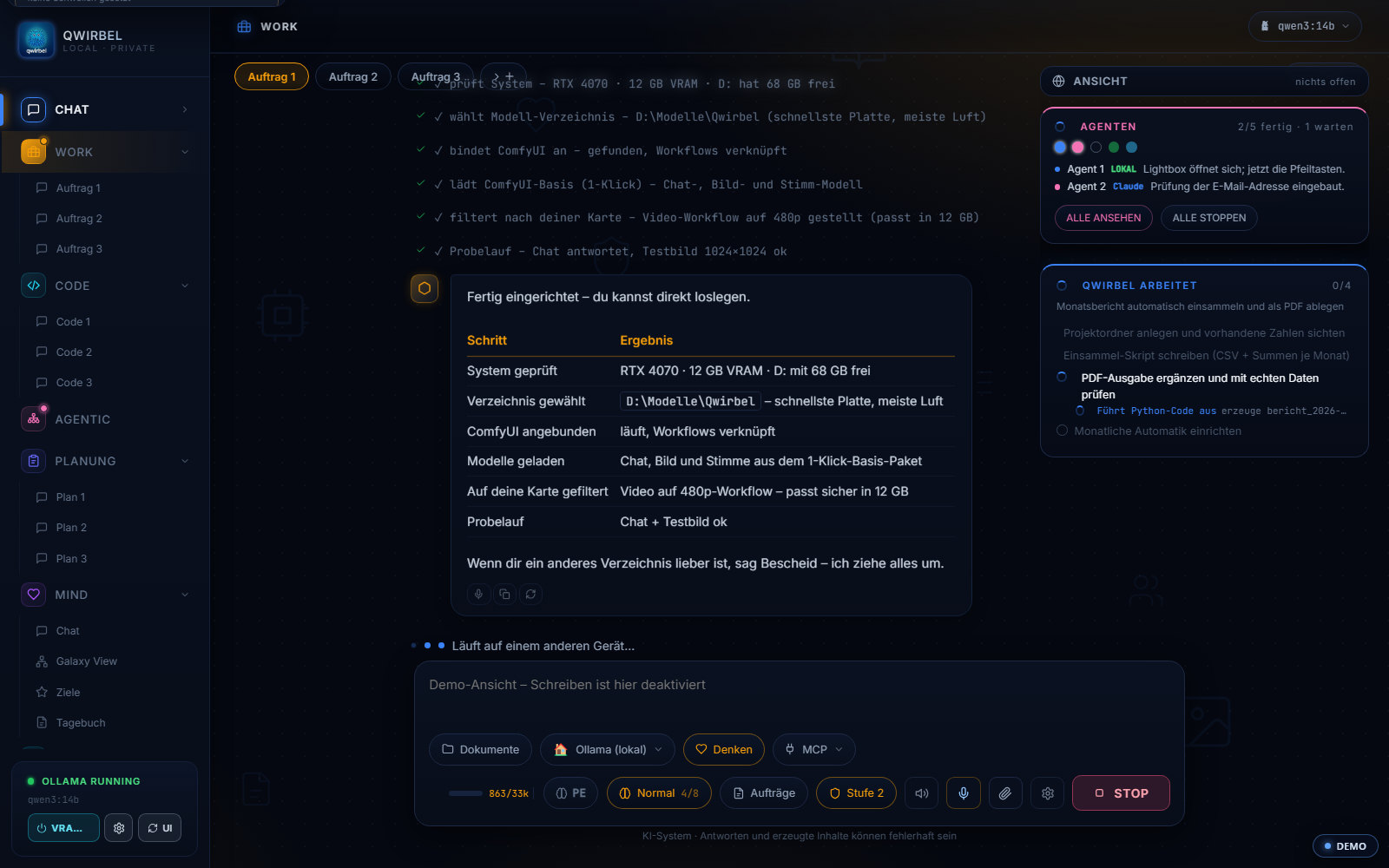
The complete interface with sample data. Click through every tab – chat, work, code, model store, Hyperspace cluster and all settings. Right in your browser, nothing is sent.
Preview only: writing and sending are off. Feel free to try the settings – after a reload everything is back as before.
Normal = single seat · Server = adds an Admin tab with team accounts, roles & PC fleet.
As IT you can see Qwirbel through an employee's eyes – and set here what they may do.
What do you want to see Qwirbel for?
Four quick questions – we'll build you a tour from them. You can skip any time.
Should Qwirbel stay fully local?
The program asks you exactly this on first start – here you see where the switch lives later.
How should it look?
Looks and size are per device – so your phone can differ from your PC.
And your menu?
The tab bar on the left is not a fixed list – you decide what you see.
Your tour is ready
Qwirbel will visit the stations by itself – you can take over at any time.
New in this version – try it yourself
- Right-click everywhere On the input field, text fields and chat messages – with quote and “explain in more detail”.
- Regenerate an image Right-click an image: fresh seed, improve the prompt or copy the look.
- Tabs your way Move them, pin them via right-click, own colour, own keyboard shortcut.
- Size & background From small to huge, your own background image with blur.
- Workflow settings Pick resolution, steps and quality yourself – Qwirbel warns when VRAM is tight.
- Agents at a glance Every agent has its own task window – expandable, with checkmarks.
- Head space as a ring The ring next to the input row shows how full the head is right now. Hover it and you see where the space goes: messages, files, tools, MCP.
- Effort and permissions as a character Two sliders with little pixel characters: how much effort Qwirbel puts in and how many permissions it has without asking. Every level looks different.
Safe, local, no strings
Nothing leaves
The demo runs in your browser and calls no external servers.
Trying is allowed
Menus, colors, settings: all clickable. Nothing is saved – after a reload everything is back as before.
All invented
Names, numbers, chats and dates are sample data – nothing real.
Common questions about the demo
Is this the real Qwirbel interface?
Yes. It is the exact app from the Windows package, just filled with sample data instead of a real account. You see and use the same interface as after buying.
Does the demo cost anything? Do I have to install something?
No. The demo runs right in your browser – no account, no download, no installation.
Is any data transmitted?
No. The demo runs entirely in your browser and makes no outbound calls. All content (chats, names, numbers, dates) is invented.
Can I break anything in the demo?
No. Writing, sending, saving and deleting are disabled – it is purely for looking. You can try out settings; after a reload everything is back as before.
What is different in the purchased Qwirbel?
Everything then works for real: load your own models, chat, generate images/videos/music, get tasks done – locally on your PC, without the cloud.
The preview is slow to load – is there an easier way?
Yes. The interface is built in your browser on first visit, which takes a moment on older machines. Above the preview there is an “As images” button: the same interface as a set of screenshots to page through, with no computing load. The same button takes you back to the interactive preview.
Can I show someone exactly what I am looking at?
Yes. The “Copy link” button above the preview creates an address that carries the edition, the role and the open tab. Whoever opens it lands in exactly the same place – handy for pointing a colleague at one specific view.
Like what you see?
Get Qwirbel and use everything for real – locally on your PC, pay once, no subscription. From 60 €.